

Managing a community requires effective tools. To keep your Hytale server fun, fair, and under control, it’s sometimes necessary to intervene against disruptive players.
Hytale makes player management simple and flexible thanks to three essential commands: kick , ban and unban .
⚠️ You absolutely must be an Administrator (OP) to use these commands.
| Action | Game Order | Console Command | Effect |
| Kick | /kick < | kick < | Forced disconnection (may return). |
| Ban | /ban < | ban < | Access blocked indefinitely. |
| Unban | /unban < | unban < | Restores access to the server. |
Kicker a player
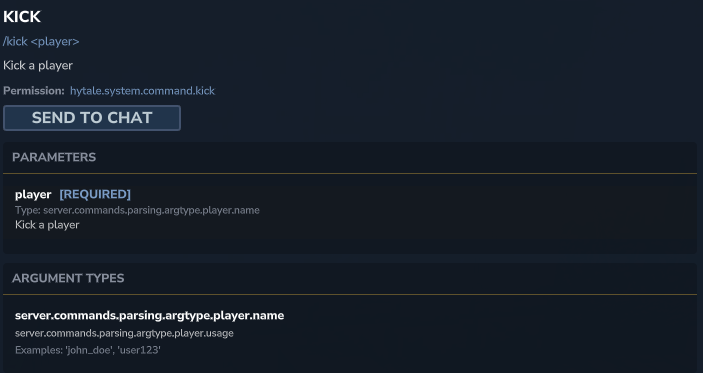
This command immediately disconnects a player from the server. This is a warning: the player is not locked out and can reconnect immediately if they wish.
/kick <playername>
Ban a player
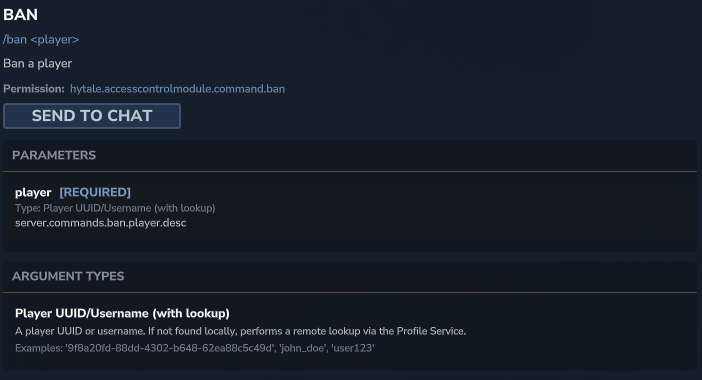
This command prevents a player from connecting to the server until you lift the sanction.
You can add an (optional) reason that will be displayed on the player’s screen when they attempt to log in.
/ban <playername>
Unban a player
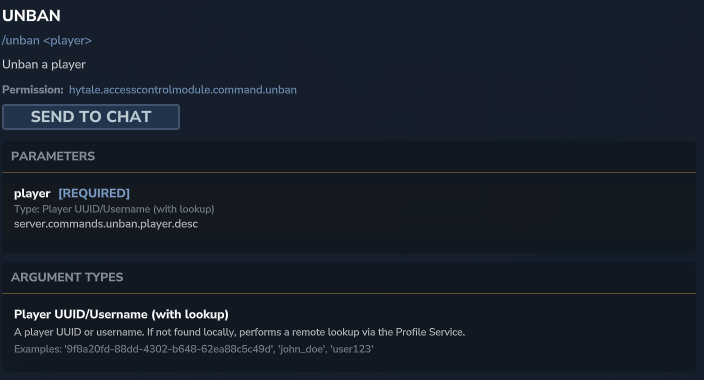
If you wish to give a second chance, this command will grant this player access to the server again:
/unban <playername>