
Managing a Hytale server goes beyond simply modifying the world or entities; it relies primarily on a robust network infrastructure and secure authentication. As an administrator, you will need to handle connections, diagnose latency, and manage your server’s session with Hypixel Studios’ backend services.
This article gathers the essential commands for managing your instance’s authentication and monitoring network status.
The /auth Command
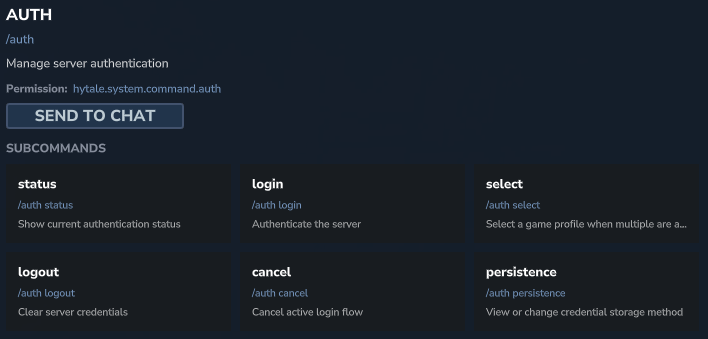
This is arguably the first command you will use during the initial server configuration. It manages your server’s connection status with official Hytale services, which is essential for validating incoming player accounts and accessing online services.
📋 Technical Sheet
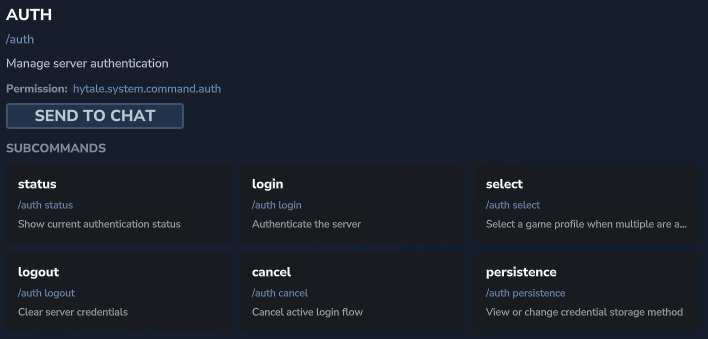
- Description: Manages the server authentication process, including login, session status, and profile management.
- Permission:
hytale.system.command.auth
🛠️ Syntax and Usage
| Action | Syntax | Description | Example |
| Check status | /auth status | Displays the current server authentication state. | /auth status |
| Log in | /auth login device | Initiates the authentication procedure via a device code (device flow). | /auth login device |
| Select profile | /auth select | Allows choosing a game profile if multiple are available on the account. | /auth select |
| Log out | /auth logout | Clears credentials and disconnects the server from backend services. | /auth logout |
| Manage persistence | /auth persistence | Displays or modifies the credential storage method. | /auth persistence |
The /network Command
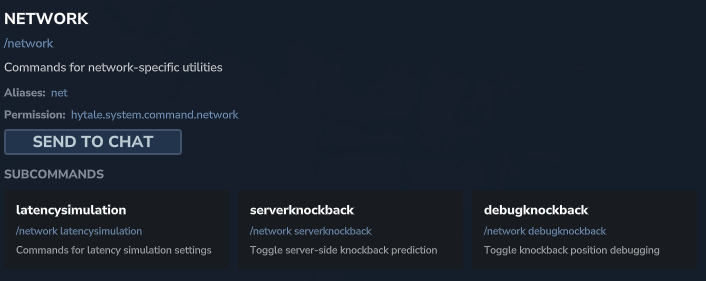
A preferred tool for debugging, this command allows administrators to simulate difficult network conditions or adjust how the server handles latency-related physics, specifically knockback.
📋 Technical Sheet
- Description: Utilities for network latency simulation and server-client interaction debugging.
- Permission:
hytale.system.command.network
🛠️ Syntax and Usage
| Action | Syntax | Description | Example |
| Simulate latency | /network latencysimulation | Accesses settings to simulate artificial lag (useful for testing). | /network latencysimulation |
| Server knockback | /network serverknockback | Toggles server-side knockback prediction. | /network serverknockback |
| Debug knockback | /network debugknockback | Enables debug display for knockback positions. | /network debugknockback |
The /ping Command
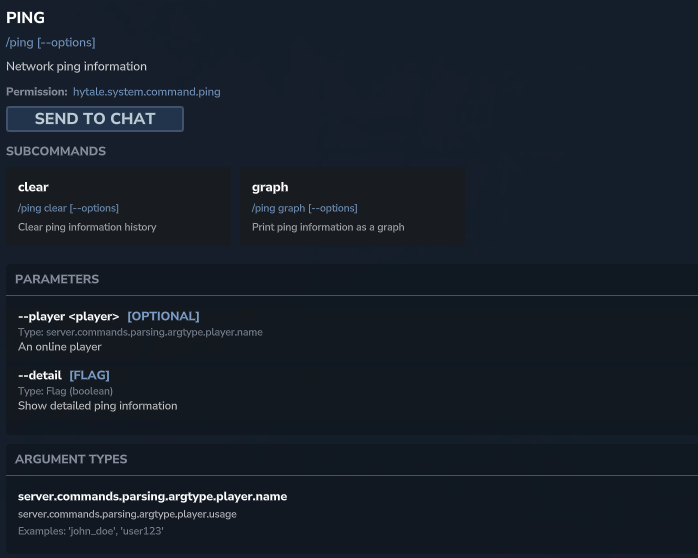
Simple yet essential, this command displays visual information regarding network connection quality. It is highly useful for quickly diagnosing stability issues or lag experienced by players.
📋 Technical Sheet
- Description: Displays or manages latency information history (ping).
- Permission:
hytale.system.command.ping
🛠️ Syntax and Usage
| Action | Syntax | Description | Example |
| Display graph | /ping graph [--options] | Displays a visual graph of real-time latency. | /ping graph --player Nickname |
| Clear history | /ping clear [--options] | Clears the history of recorded ping information. | /ping clear |
The /landiscovery Command
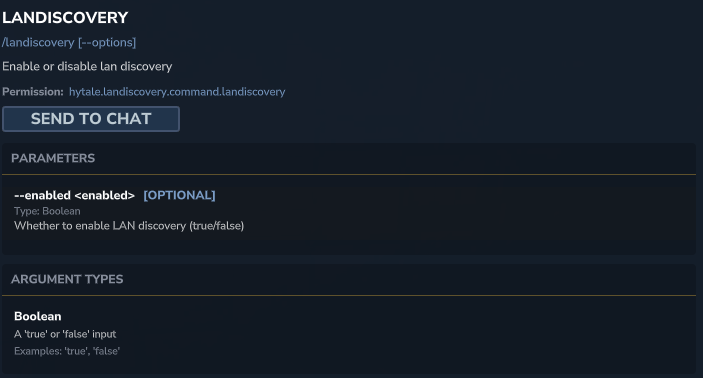
For administrators managing local networks or in-person events, this command controls the server’s visibility on the local network.
📋 Technical Sheet
- Description: Enables or disables server discovery on the Local Area Network (LAN).
- Permission:
hytale.landiscovery.command.landiscovery
🛠️ Syntax and Usage
| Action | Syntax | Description | Example |
| Configure discovery | /landiscovery --enabled <bool> | Enables (true) or disables (false) LAN visibility. | /landiscovery --enabled true |
The /packetstats Command
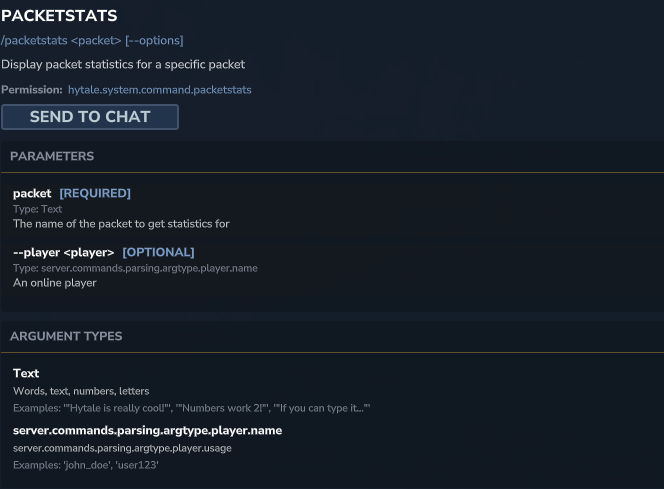
Intended for developers and advanced network technicians, this command analyzes data traffic specific to certain packets, helping to identify what is consuming bandwidth.
📋 Technical Sheet
- Description: Displays detailed statistics for a specific type of network packet.
- Permission:
hytale.system.command.packetstats
🛠️ Syntax and Usage
| Action | Syntax | Description | Example |
| Analyze a packet | /packetstats <packet> | Displays stats for the given packet name. | /packetstats PlayerPosition |