
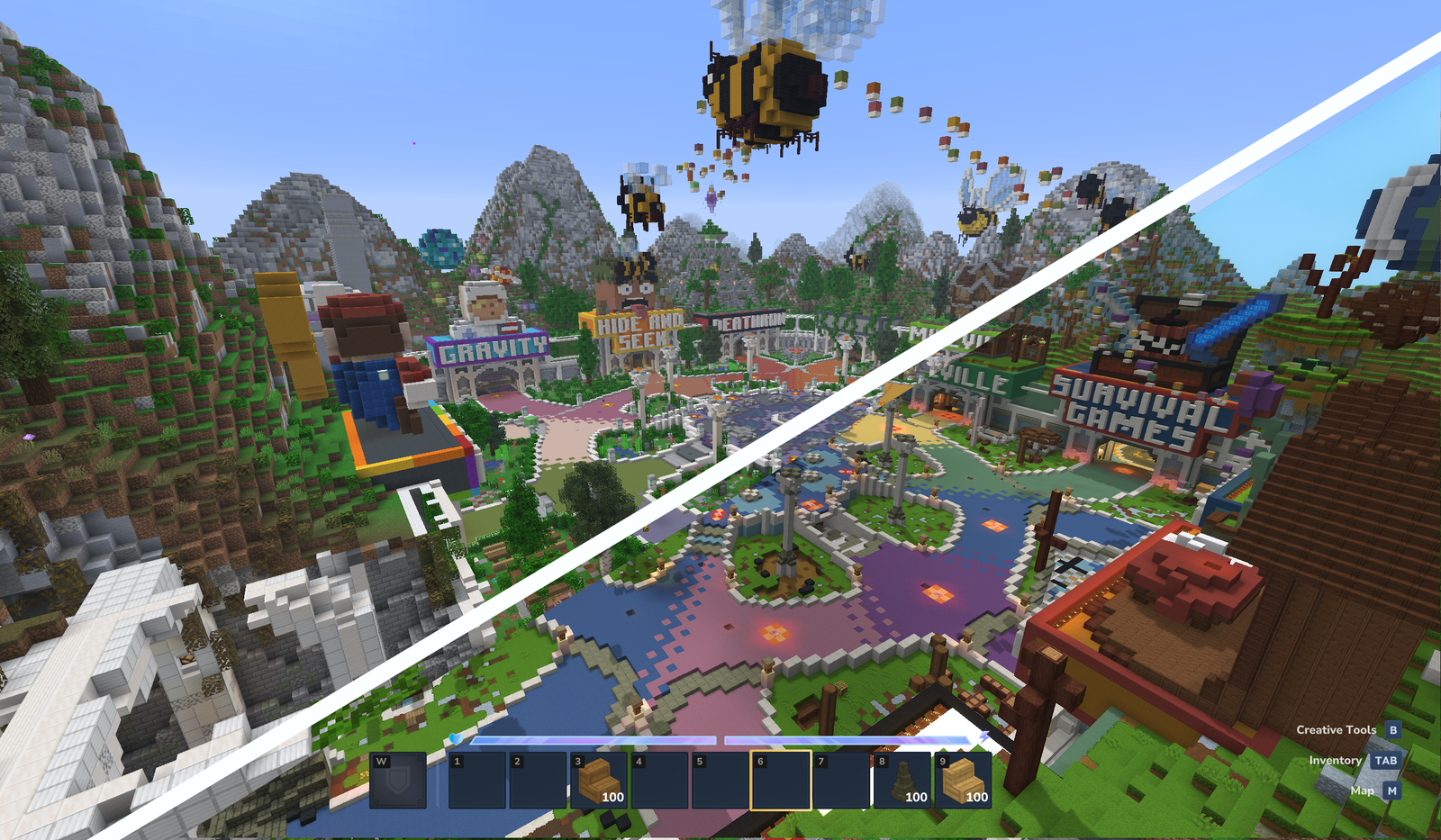
Have you spent hundreds of hours building an epic castle or a detailed city in Minecraft and are dreading having to start all over again in Hytale ? Good news: it’s possible to transfer your creations!
Thanks to Skytale ‘s free Hytale Converter tool , you can transform your Minecraft building files into “prefabs” ready to be integrated into the Orbis universe. Here’s a step-by-step guide to successfully complete your migration.
Why convert your Minecraft builds to Hytale?
Hytale offers powerful creation tools, but the transition can be lengthy. Using a converter allows you to:
- Save valuable time by avoiding rebuilding block by block.
- Preserve your builder’s legacy created over the years.
- Populate your Hytale worlds instantly with complex structures.
Step 1: Prepare your Minecraft file (.schematic or .litematic)
First, you need to extract your Minecraft build. The tool accepts the two most popular formats:
- .schematic (used by WorldEdit).
- .litematic (used by the Litematica mod).
Step 2: Use Hytale Converter for the conversion
Once you have your file, the procedure is extremely simple:
- Visit the official Hytale Converter website .
- Drag and drop your file
.schematicor upload.litematicit directly to the upload area on the homepage. - Please wait a few seconds while the algorithm adapts the Minecraft blocks to the textures and models of Hytale.
- Click the “Download” button to retrieve your new Hytale compatible file.
Step 3: Import the prefab into the Hytale folder
/!\ Whether on your PC or your server, we advise against creating the folders yourself. These folders are created automatically when you generate a prefab in your world for the first time. It’s recommended to create one initially, even if it’s just a few blocks long, so the path can be created automatically.
Now that you have your converted file, you need to integrate it into the game. Here is the standard path for installing your prefabs:
-> On your Laptop
C:\User\[Name]\AppData\Roaming\Hytale\UserData\Saves\[NomDuMonde]\prefabs
-> On your Server
Regarding servers, the folder is created directly at the root of your server.
\hytale\Server\prefabs
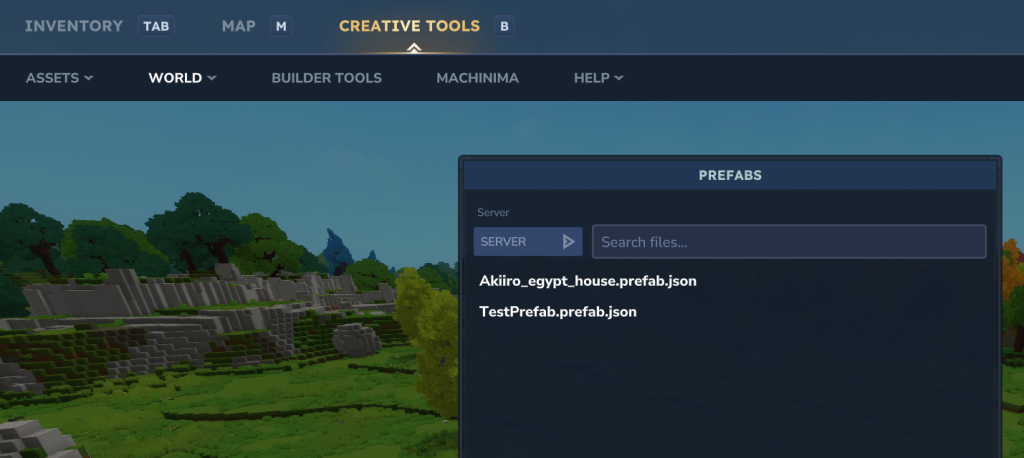
Once the file is placed in this folder, you will be able to find your creation directly via the Hytale in-game editor and adjust it according to your needs.
Frequently Asked Questions about Minecraft-Hytale Conversion
Are all the blocks converted?
Most standard blocks are automatically converted to their Hytale equivalents. However, some blocks from specific mods or complex mechanisms (Redstone) may require some manual adjustments after import.
Is the Hytale Converter tool free?
Yes, the tool is currently available for free to allow the builder community to prepare for the game’s arrival.
Conclusion: Prepare for the future on Hytale.game!
Converting Minecraft schematics to Hytale is the best way to prepare for the game’s release and ensure your best creations don’t fall into oblivion.
Did you successfully convert your first build? Share your screenshots with the community on our Discord server !