
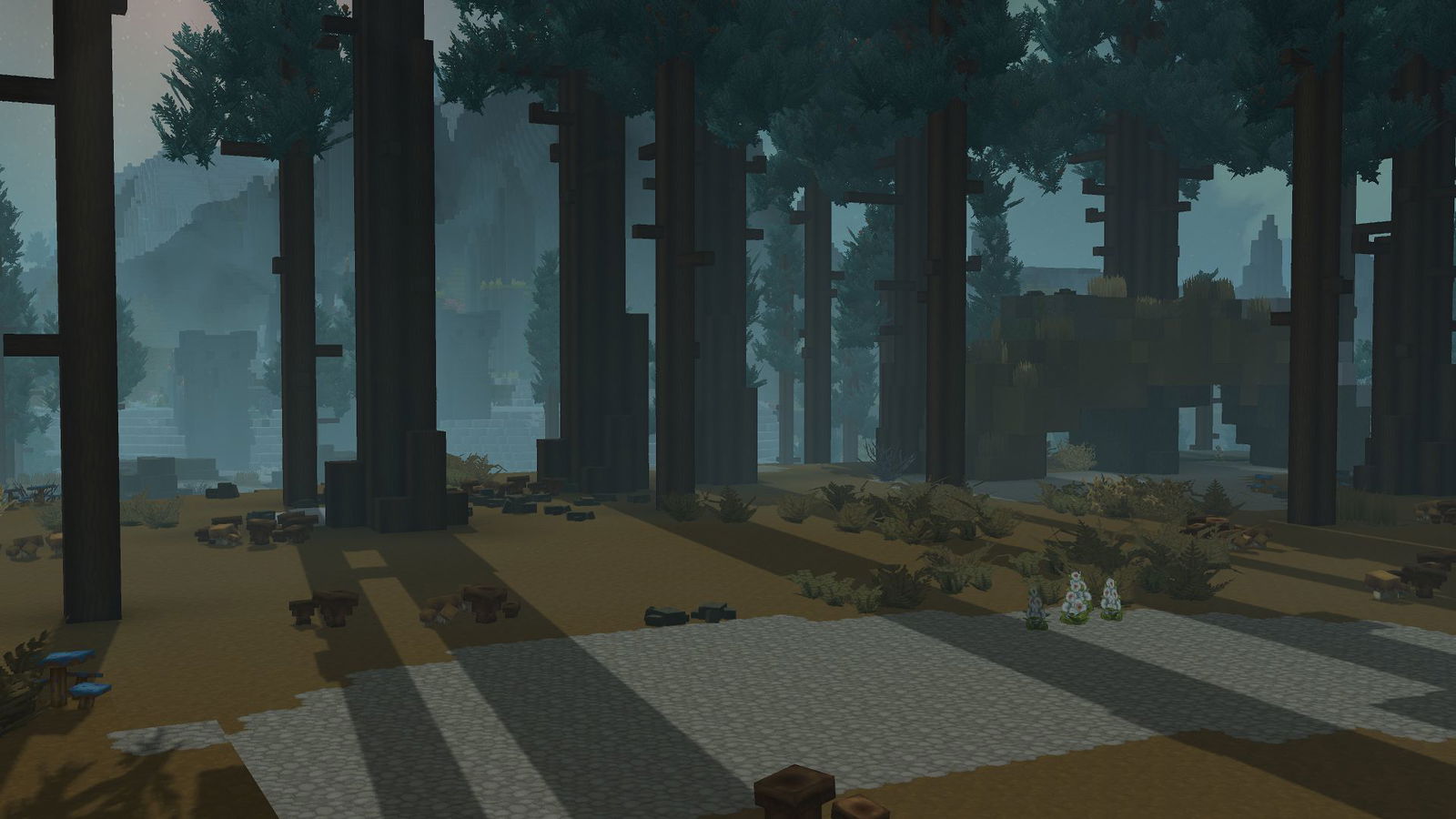
Hytale’s ambience and environment system is a powerful feature allowing server administrators and content creators to shape the sensory and visual experience of their worlds.
These commands offer granular control over sounds, music, and environmental themes, radically transforming the atmosphere of an area or an entire world. They are indispensable tools to reinforce immersion and give a unique identity to each region of your creation.
The /ambience command
This command allows you to manage the sound and musical ambience of your Hytale worlds. It is crucial for defining the mood and atmosphere of an area, whether it be a peaceful forest or an eerie dungeon. You can control ambient sound emitters, force the playback of specific music, or reset settings to return to the biome’s default ambience.
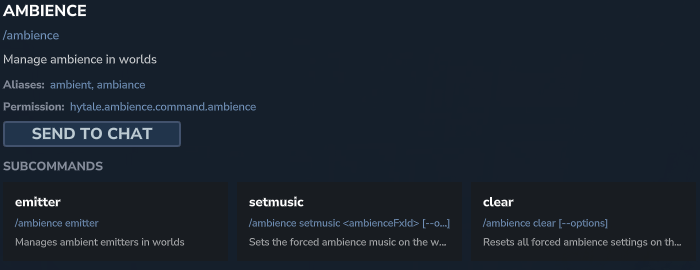
📋 Technical Sheet
- Description: Manages the sound and atmospheric ambience of worlds.
- Permission:
hytale.ambience.command.ambience
🛠️ Syntax and usage
| Action | Syntax | Description | Example |
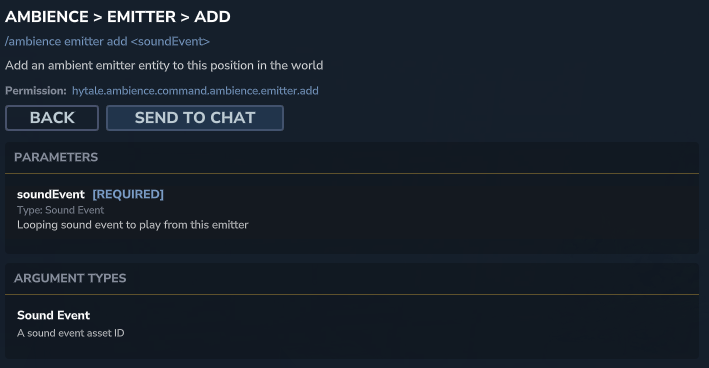
| Manage emitters | /ambience emitter | Accesses the management of ambient sound emitter objects. | /ambience emitter |
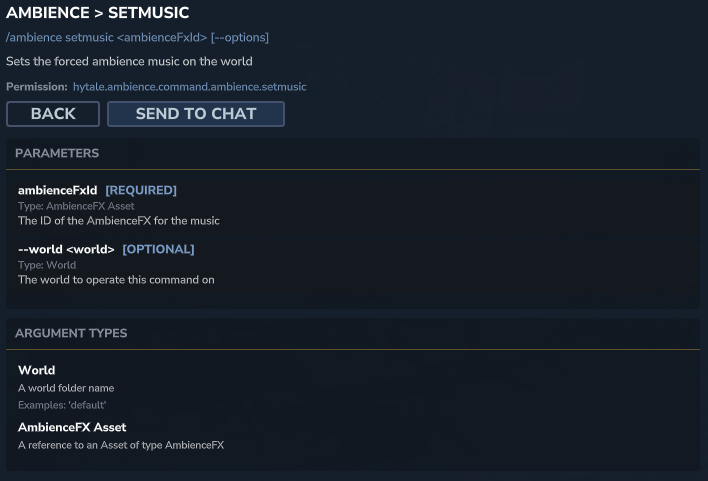
| Force music | /ambience setmusic <ambienceFxId> | Forces the playback of specific music by its identifier. | /ambience setmusic hytale:forest_theme |
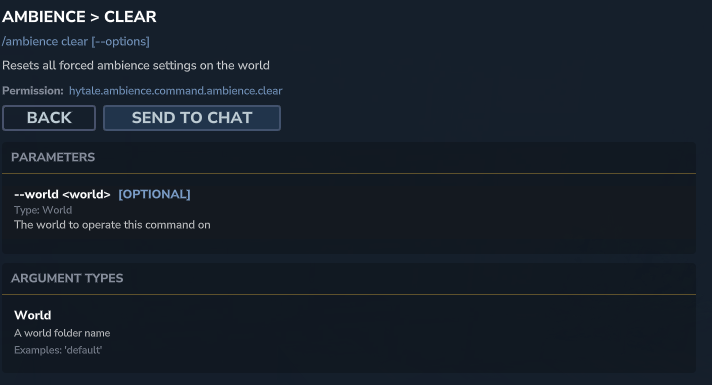
| Reset ambience | /ambience clear | Resets all forced ambience settings. | /ambience clear |
The /environment command
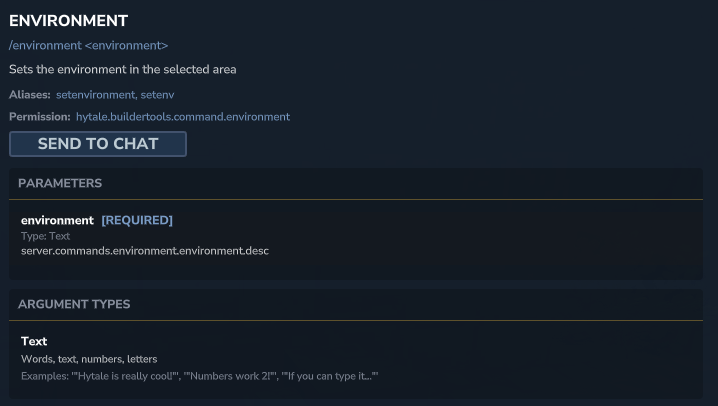
This command allows applying a set of thematic environmental properties to a selected area. These properties can include adjustments to light colors, fog, particle density, or other visual effects, contributing to the visual consistency of your biomes or builds.
📋 Technical Sheet
- Description: Defines the environment in the selected area.
- Permission:
hytale.buildertools.command.environment
🛠️ Syntax and usage
| Action | Syntax | Description | Example |
| Apply an environment | /environment <env_id> | Applies a thematic environment to the area. The environment identifier can be a Hytale preset or a custom asset. | /environment hytale:forest |