
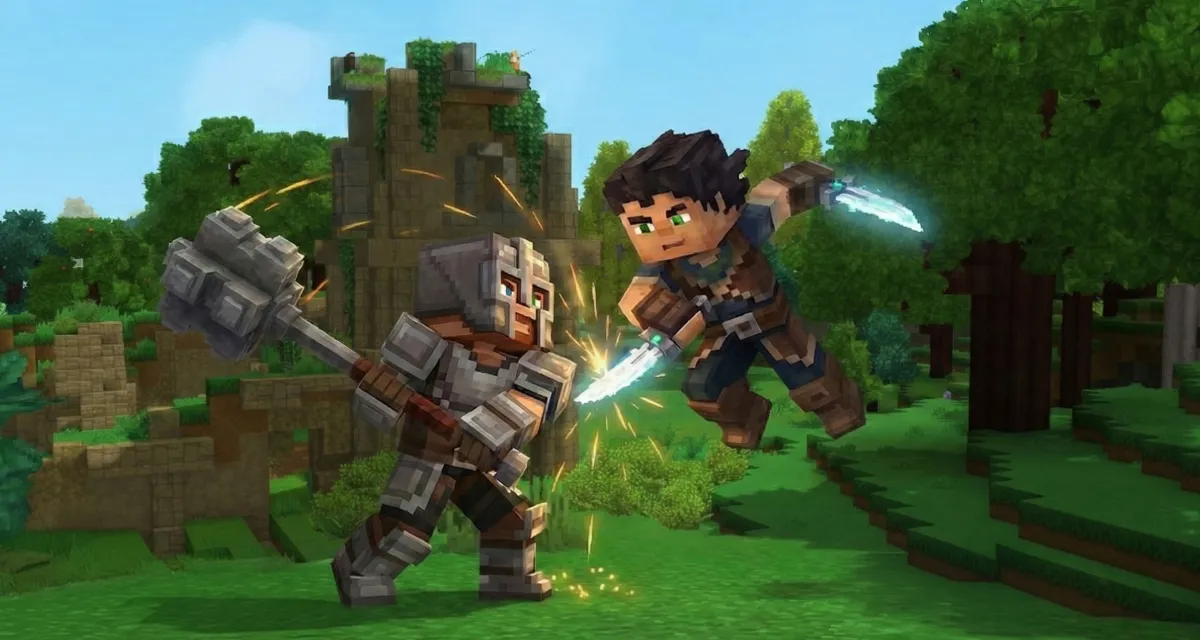
Whether you want to organize epic duels or preserve a haven of peace, mastering the activation and deactivation of Player versus Player (PvP) on your server is essential.
Understanding PvP mechanics in Hytale
The concept of Player versus Player (PvP) refers to any direct combat or hostile interaction between Hytale players within the same world.
By default, this feature may be disabled on your server, ensuring an experience more focused on collaboration or exploration.
However, administrators have the freedom to modify this player versus player combat setting to adapt the gaming experience to their community’s preferences. This setting directly influences how clashes unfold and is often linked to death management and the consequences that follow for participants.
World configuration file location
To enable or disable PvP, you will need to directly intervene on your Hytale server files. The setting in question is stored in a JSON file specific to each world in your universe.
File path: universe/worlds/default/config.json
Note: If you have customized the name of your world, simply replace default with the name of your world folder. This config.json file manages various game rules, including PvP and death management.
Enabling PvP
Enabling PvP is done by a simple modification of your configuration file. Follow these steps carefully to ensure the changes take effect correctly.
Step 1: Stop your Hytale server
Before any modification, it is imperative to completely shut down your Hytale server. Attempting to modify the config.json while the server is running could result in changes not being registered, or even corruption of your world save.
Step 2: Modify the config.json file
- Access the file: Open the
config.jsonfile located inuniverse/worlds/your_world/using a text editor (Notepad, Notepad++, VS Code, etc.). - Locate the setting: Search for the following line in the file:
"GameplayConfig": "Default", - Activate PvP: Just below this line, you must add or modify the
IsPvpEnabledsetting. To activate PvP, the line should look like this:{ "GameplayConfig": "Default", "IsPvpEnabled": true, ... }
Attention: Do not forget the comma,at the end of the previous line if"IsPvpEnabled": trueis a new addition and is not the last parameter of the block.
Step 3: Save and restart the server
- Save: Save the changes made to the
config.jsonfile. - Restart: Launch your Hytale server. PvP should now be active on this specific world, allowing players to engage in combat.
Disabling PvP
If you wish to disable PvP after enabling it, or if you inherit a server where PvP is active and you prefer a more peaceful atmosphere, the process is just as simple and follows the same steps.
- Stop the server.
- Open the
config.jsonfile. - Locate the line
"IsPvpEnabled": true. - Disable PvP: Change the value from
truetofalse:{ "GameplayConfig": "Default", "IsPvpEnabled": false, ... } - Save the file.
- Restart the server. Your world will now be free of unwanted player-versus-player combat.
Customizing PvP death management
When PvP is enabled, it is wise to configure death rules for a balanced and coherent gaming experience. You can add the following code block, or modify the existing one, in the same config.json file to customize what happens when a player is defeated.
"Death": {
  "RespawnController": {
    "Type": "HomeOrSpawnPoint"
  },
  "ItemsLossMode": "All",
  "ItemsAmountLossPercentage": 10.0,
  "ItemsDurabilityLossPercentage": 10.0
},
Explanation of settings:
| Setting | Description and Operation |
| RespawnController | Defines the global location where the player will respawn after death. |
| Type: HomeOrSpawnPoint | Determines respawn priority: the player’s bed (Home) or the initial world spawn point (SpawnPoint). |
| ItemsLossMode | Manages inventory behavior upon death. • All: The player loses all items. • None: The player keeps all items. (Note: Other modes like “KeepHotbar” may exist depending on the version). |
| ItemsAmountLossPercentage | Defines the percentage of the quantity of items lost (e.g., a stack of 64 would become smaller). (Current value: 10%) |
| ItemsDurabilityLossPercentage | Defines the percentage of durability loss on equipped gear or inventory items. (Current value: 10%) |