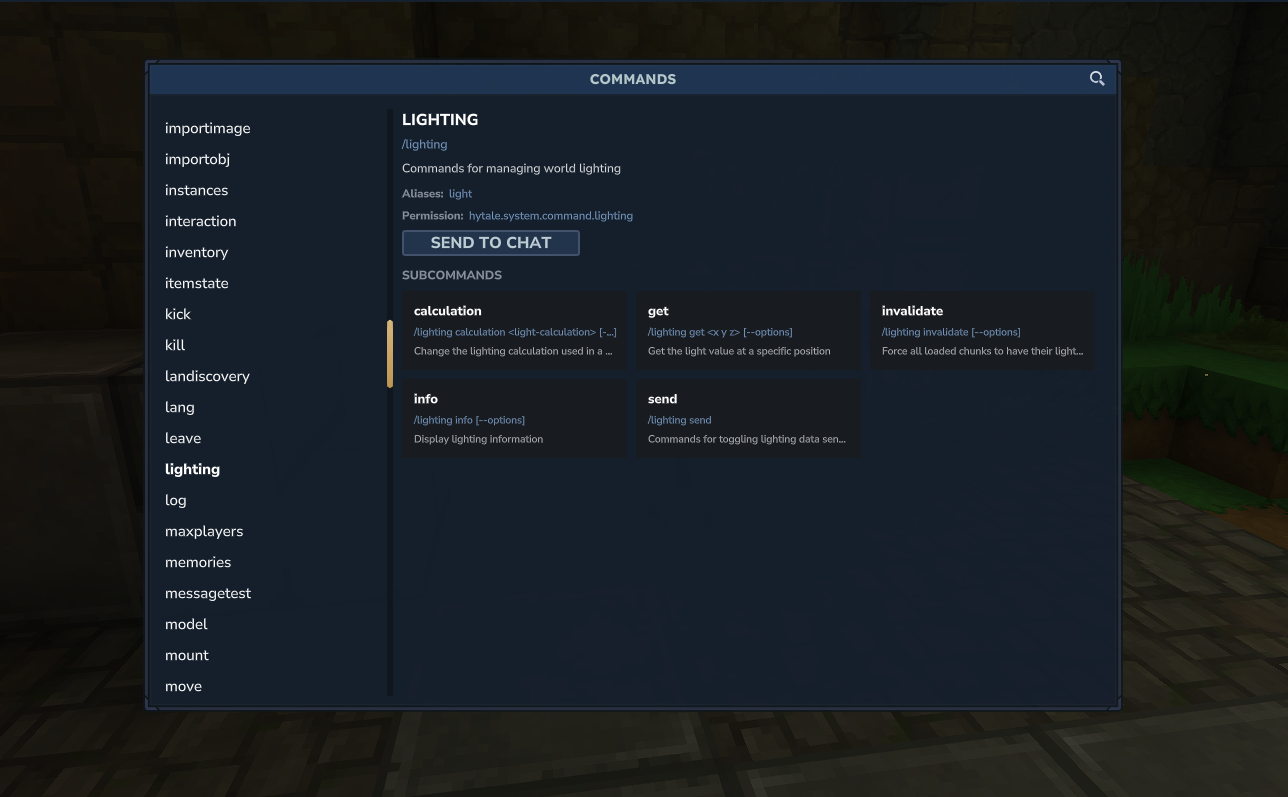
The /lighting command is a powerful tool for administrators and content creators, allowing direct manipulation of a world’s global lighting.
The /lighting command
It allows modifying the light calculation method, retrieving lighting values at specific positions, forcing light recalculation in loaded chunks, and displaying debug information to analyze propagation and ambient light levels.
This is crucial for maintaining visual consistency, optimizing performance, and influencing game mechanics such as the spawning of light-sensitive entities, which use filters based on light type (day, night, or anytime).
📋 Technical Sheet
- Description: Manages various aspects of world lighting, including calculations, obtaining values, invalidating light calculations, and displaying debug information.
- Permission:
hytale.system.command.lighting
🛠️ Syntax and Usage
| Action | Syntax | Description | Example |
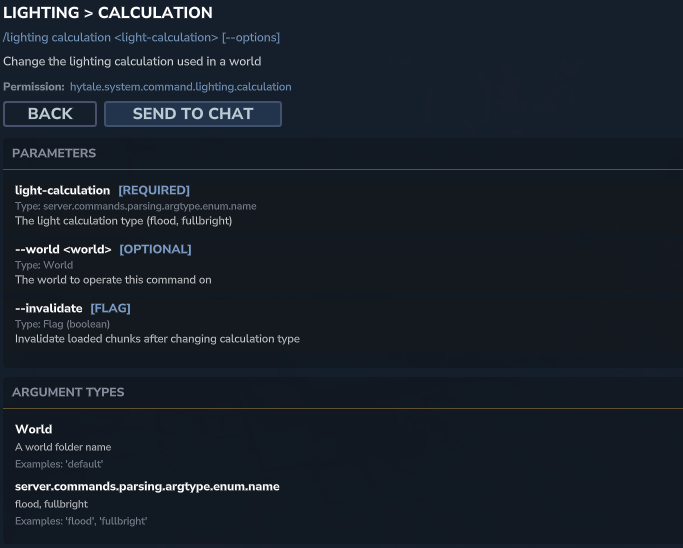
| Manage calculations | /lighting calculation <light-calc-type> [--options] | Allows changing the lighting calculation type used by the world. | /lighting calculation realistic |
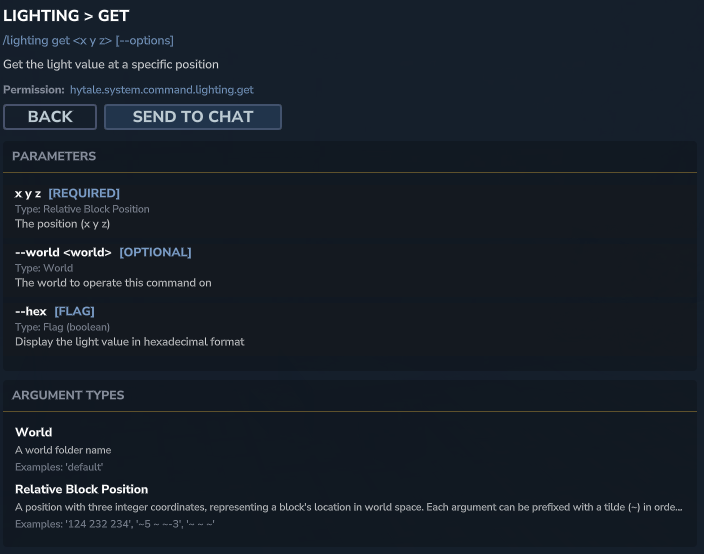
| Get a lighting value | /lighting get <x y z> [--options] | Displays the light value at a precise position in the world. | /lighting get 123 64 -456 |
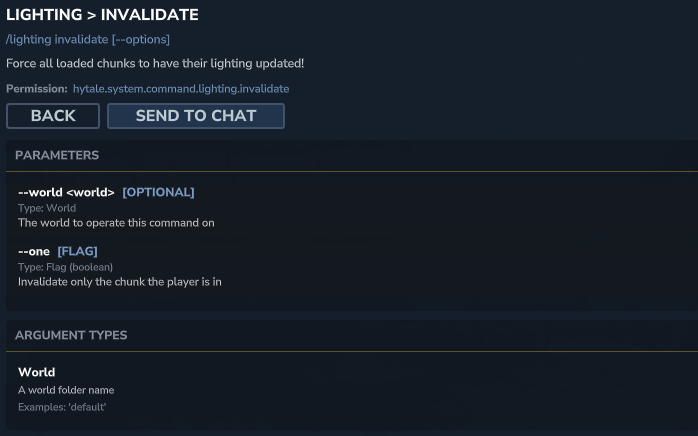
| Invalidate lighting | /lighting invalidate [--options] | Forces all loaded chunks to recalculate lighting, useful for fixing visual errors after modifications. | /lighting invalidate --world main |
| Display information | /lighting info [--options] | Displays detailed information about the current lighting system, including settings and performance. | /lighting info |
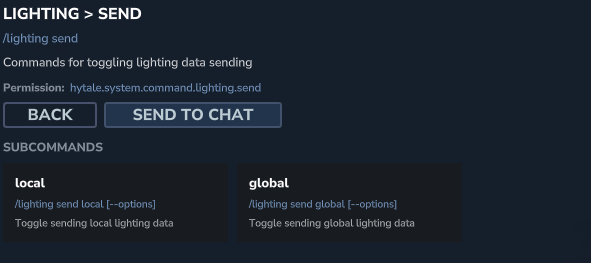
| Control data sending | /lighting send | Manages the sending of lighting data to clients. Can be used to disable sending light updates for network debugging. | /lighting send --disable |