
Controlling the weather on your Hytale world
Hytale’s dynamic weather system offers rich immersion, but the ability to control and configure it can transform the gaming experience, whether for special events, builds requiring constant light, or simply for the pleasure of changing the ambiance of a Hytale world.
This weather management guide will show you how to use the /weather command, the main tool to exercise your power over the atmospheric conditions of your Hytale server.
Prerequisites & Permissions
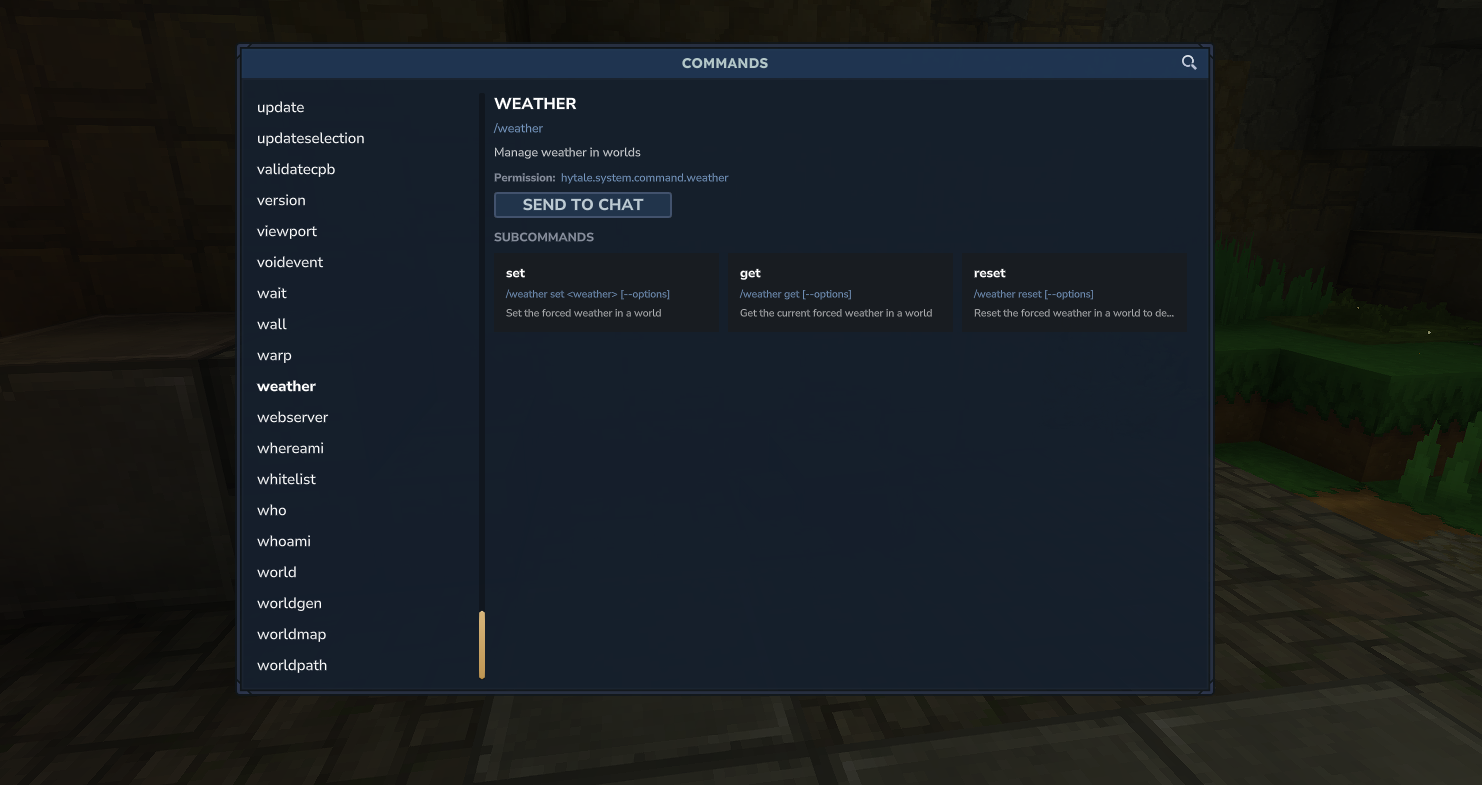
To manage weather on your server, you will need administrator or operator permissions. The main command, /weather, and its sub-commands require specific permissions to ensure that only authorized users can use them.
The base permission for the weather command system is hytale.system.command.weather.
Weather commands in detail
The main weather command, /weather, is divided into three essential sub-commands for weather management: set, get, and reset.
Each sub-command allows interacting with the weather in a distinct way.
Forcing specific weather: /weather set
The set sub-command is your tool to impose a desired weather type in your world.
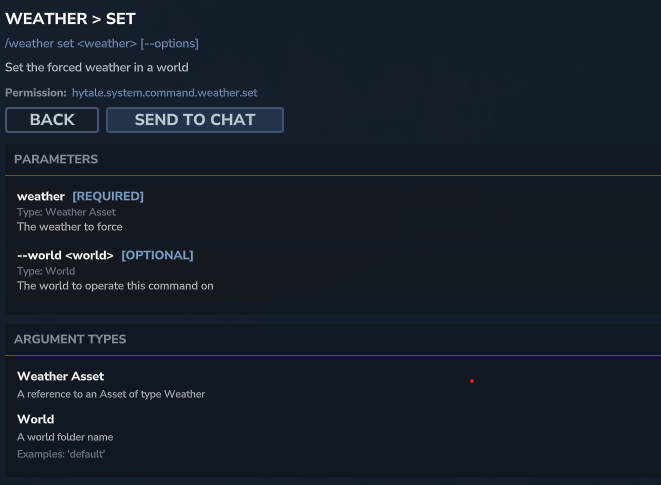
| Property | Description |
| Syntax | /weather set <weather_type> [--options] |
| Description | Defines a forced weather in a world. |
| Permission | hytale.system.command.weather.set |
Parameters
| Parameter | Argument Type | Required | Description |
<weather_type> | Weather Asset | ✅ Yes | The type of weather to apply (e.g., rain, clear, snow, etc.). |
--world <world> | World Name | ❌ No | The name of the world folder on which to apply the command (e.g., default). |
Usage examples:
To force rain in the current world: /weather set rain
To set a clear sky in the world “my_world”: /weather set clear --world my_world
Knowing the current weather: /weather get
The get sub-command allows you to retrieve information about the currently forced weather in a world.
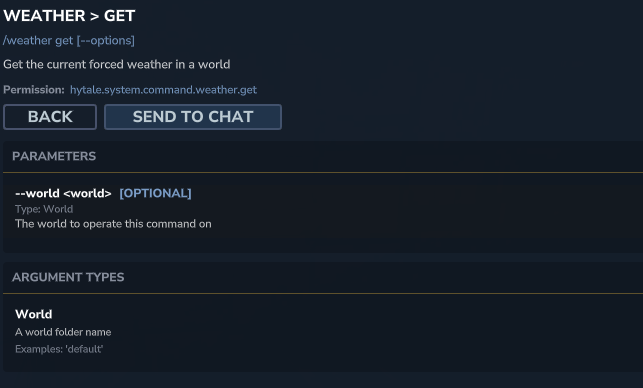
| Property | Description |
| Syntax | /weather get [--options] |
| Description | Displays the currently forced weather in a world. |
| Permission | hytale.system.command.weather.get |
Parameters
| Parameter | Argument Type | Required | Description |
--world <world> | World Name | ❌ No | The name of the world folder on which to apply the command (e.g., default). |
Usage examples:
To display the forced weather of the current world: /weather get
To display the forced weather of the “main_adventure” world: /weather get --world main_adventure
Resetting the weather: /weather reset
The reset sub-command is used to cancel any forced weather and let the weather system resume its natural course, according to the default weather patterns of the biome.
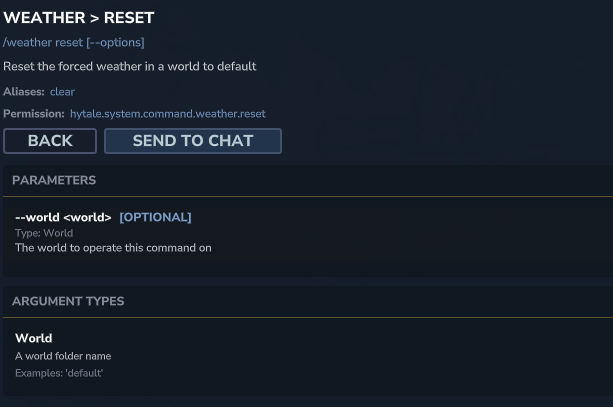
| Property | Description |
| Syntax | /weather reset [--options] |
| Description | Resets forced weather in a world to return to default behavior. |
| Permission | hytale.system.command.weather.reset |
Parameters
| Parameter | Argument Type | Required | Description |
--world <world> | World Name | ❌ No | The name of the world folder on which to apply the command (e.g., default). |
Usage examples:
To reset the weather in the current world: /weather reset
To reset the weather of the “rp_city” world: /weather eset--world rp_city
Quick summary of weather actions
For quick reference, here is a summary of weather management commands:
| Command | Action | Description |
/weather set <weather> | Force specific weather | Defines a permanent weather state (e.g., rain for continuous rain). |
/weather get | Display current forced weather | Indicates if weather has been forced and which one. |
/weather reset (or clear) | Reset weather (return to natural cycles) | Cancels forced weather so that the world’s weather patterns take effect again. |
Good to know: a few tips for administrators
- Targeting a specific world: If the
--worldparameter is not specified, the command applies to the world the administrator is currently in. This is convenient for quick adjustments without leaving your area. - “Weather Assets”: Weather types (
rain,clear,snow, etc.) are weather assets predefined by the game. Hytale allows content creators to add their own weather types via the asset system for unique experiences. - Gameplay impact: Use the weather control command to create unique atmospheres for your builds, challenges for your players (a sudden snowstorm!), or simply to enjoy eternal sunshine.