
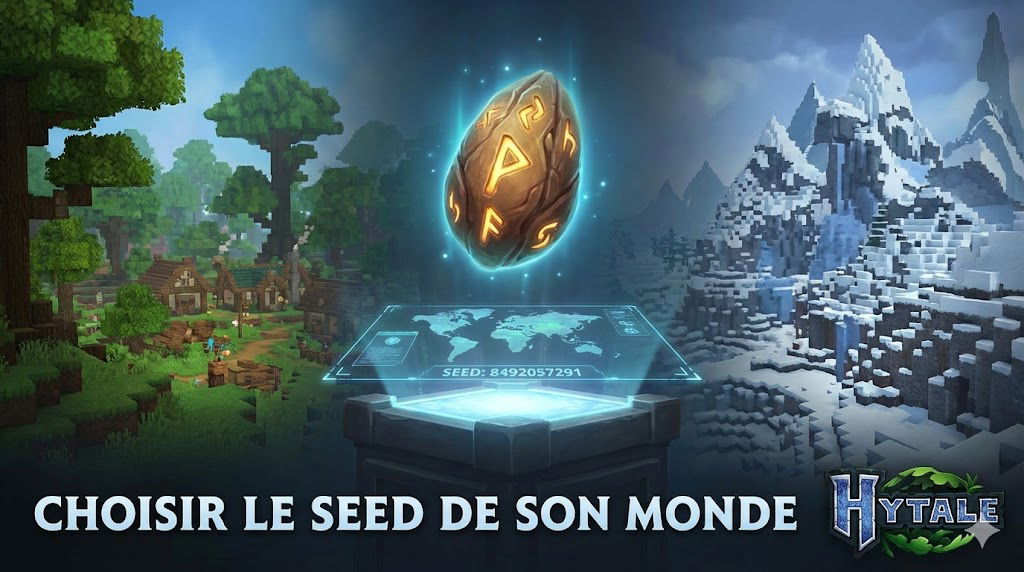
Today, let’s delve into the heart of the creation of your Hytale worlds: the seed . This little English word, which means “seed”, is actually the keystone of the procedural generation of your adventures.
Understanding how to customize your world’s seed opens up endless possibilities for unique and tailor-made gaming experiences.
What is a world seed?
Imagine that each world in Hytale is a unique plant. The small seed from which it grows is the world seed .
It is a numerical value – an integer – that Hytale’s world generation system uses to determine the layout of your terrain, the distribution of biomes, the location of caves, and even the spawning of structures and creatures.
Each seed generates a reproducible world . This means that if you use the same seed, you will always get the same world, with the same mountains, rivers, and forests at the same coordinates. This is what makes seed customization so powerful!
Why customize your world’s seed?
Seed customization offers a multitude of advantages for both players and server administrators:
| Reason to customize the seed | Description |
|---|---|
| A unique and memorable world | Launch a random seed and discover a unique seed that will become your world, with its own wonders. |
| Reproducible experiment | Share your seed with friends so they can explore the exact same world as you. Ideal for challenges or adventure maps. |
| Specific starting points | Search for seeds to find specific starting conditions: an isolated island, a massive mountain, or a rare biome right next to the spawn point. |
| Content creation | Modders and “world designers” can use specific seeds to develop and test their creations in a controlled environment. |
| Performance and tests | Test the performance of world generation on known seeds or generate worlds for specific tests. |
How does world generation work in Hytale?
Hytale’s world generation system is incredibly sophisticated.
It relies on a modular, multi-stage approach, each stage influenced by the seed:
- Zones : Define the major regions of the world, such as continents or oceans.
- Climate and biomes : The seed influences the distribution of temperature and humidity, which determines which biomes (forests, deserts, tundras) appear where.
- Density functions : These mathematical functions, powered by the seed, sculpt the shape of the terrain in 3D (mountains, valleys, cliffs).
- Cave generation : The seed also shapes underground networks, caverns, and ravines.
- Material placement : “Material providers” decide what type of block (dirt, stone, ore) is placed based on depth and biome.
- Prefabricated (prefabs) : The generator uses the seed to decide where to place pre-built structures such as villages, ruins, or dungeons.
- Placement of elements (props) : Finally, the seed influences the dispersal of small details such as vegetation, rocks and decorations.
- Entity spawning : The seed can also affect the spawning zones of creatures and NPCs (World Spawning, Local Spawning).
Customize your seed
There are several ways to customize your Hytale world seed, depending on whether you are a player, a server administrator, or a modder.
For players: when creating your world
When you create a new world in Exploration mode (or any other mode that allows it), Hytale will give you the option to manually enter a numeric seed.
- Simple entry : A field will allow you to type the number of your choice. If you leave it empty, a random seed will be generated.
- Trending Seeds : The community will likely share “trendy seeds” that create spectacular worlds. Stay tuned to Hytale.game to discover them!
For server administrators: via configuration files
If you manage your own Hytale server, you will have more granular control over the seeds of your different worlds.
- Configuration file location :
Each world on your server has its own fileconfig.json(located inuniverse/worlds/<world_name>/default/config.json). - “seed” parameter :
In this file, you will find a line dedicated to the parameterSeed.
You can enter the number of your choice there.