
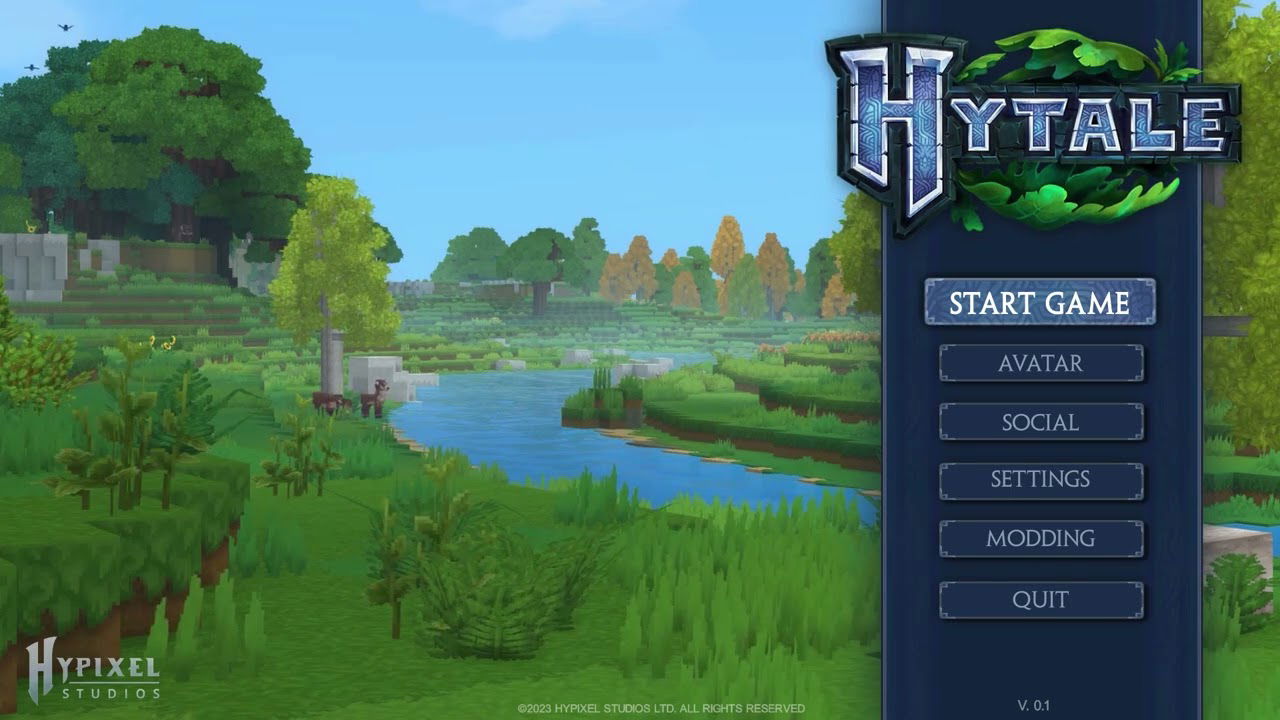
Hytale ‘s interface and controls were designed as a cohesive whole intended to provide an immersive , intuitive , and universal experience for casual players, creators, and modders alike.
The game incorporates core systems — movement , block placement , combat , crafting — all unified by a modernized approach to inventory, HUD, and quick access bars.
Gameplay fundamentals: movement, building, combat, and crafting
Hytale’s core systems are currently being tested internally. They form the backbone of the game:
✔️ Character movement
- Multidirectional movement
- Jumps, attacks, dodges
- Contextual interaction with the environment
- Automatic block-rising animation ( step-up animation ) to smooth exploration
✔️ Block placement
- Precise positioning
- Rotation and orientation according to the tool
- Fluid interaction with the terrain
✔️ Combat
- Directional attacks
- Parry/block depending on the weapon
- Endurance management
- Quick access to skills and items via hotbars
✔️ Crafts
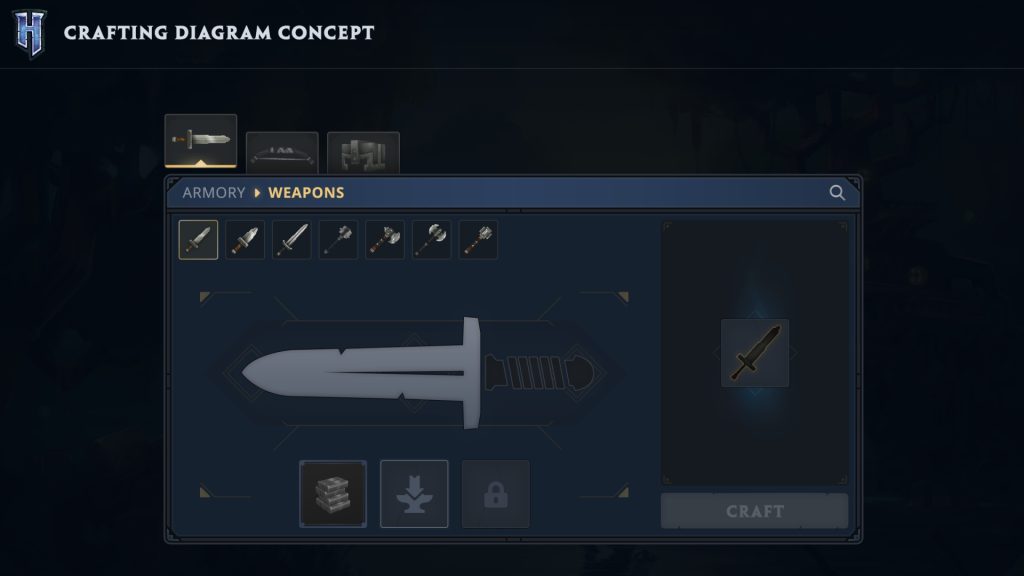
- Intuitive recipes
- Visual previews of objects
- Direct integration with the inventory
All these systems are closely linked to a redesigned inventory and modernized quick access bars , allowing for clearer organization and faster interactions during action.
UI/UX Redesign: Towards a Unified Visual Language
The UI/UX team is reinventing Hytale’s interface from scratch with the aim of establishing a consistent visual language across the entire game and its creation tools.
- Unify menus, inventory, hotbars, crafting windows and modding tools graphically
- Improve responsiveness and ergonomics in every situation
- Enhance accessibility for all types of players
- Maintain visual consistency between exploration, creation, combat, and multiplayer.
This redesign aims to make the interface a true pillar of the Hytale experience , and not just a functional tool.
Heads-Up Display (HUD)
Elements present in the HUD:
- Health bar
- Stamina bar (for sprinting, dodging, heavy attacks)
- Hunger and thirst bars (dynamic depending on biomes and conditions)
- Status indicators : buffs, debuffs, environmental effects
- Hotbars : quick items, weapons, spells, tools
- Active equipment visible in certain HUD configurations
This display has been designed to be clear, discreet and adaptive , so as never to obstruct the view of the world.
Inventory & Hotbars
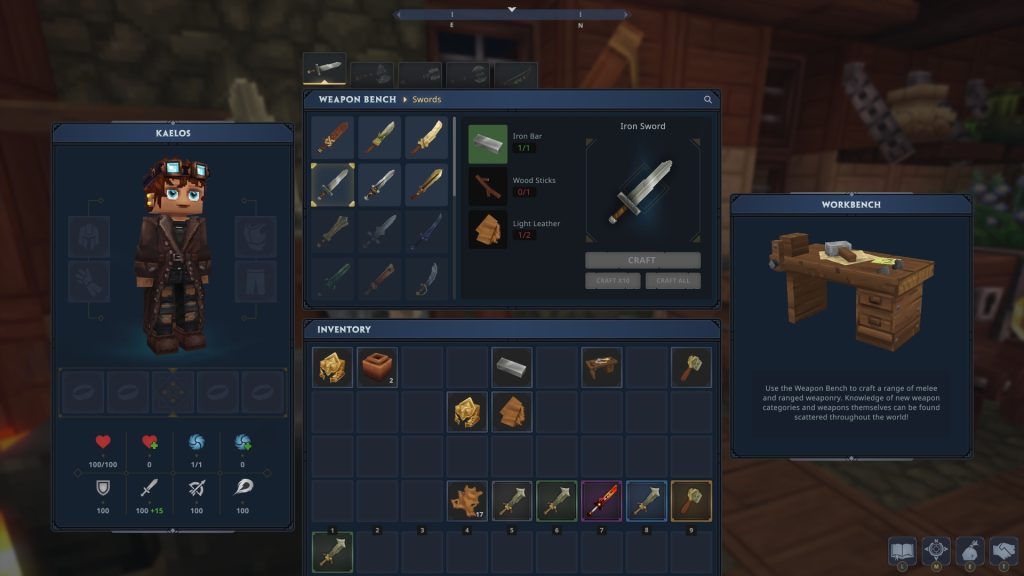
Hytale’s inventory adopts a modular , aesthetic and ergonomic approach , designed to simplify the management of objects.
Categories of objects managed in the inventory:
- Equipment (weapons, armor, accessories)
- Resources collected
- Consumables
- Building blocks and materials
The completely redesigned hotbars allow you to instantly switch between tools, weapons, blocks, or skills. Their organization is designed to support:
- dynamic combat ,
- rapid construction ,
- that craftsmanship in motion .
Motion and interaction controls
Hytale’s controls are inspired by genre standards while remaining customizable and compatible with different peripherals (keyboard, mouse, controllers).
Main commands:
- Forward/backward/lateral movement
- Jump, attack, dodge
- Contextual interaction (pick up, talk, activate, build)
- Quick use of objects via hotbars
- Opening the inventory, menu, map, etc.
Automatic step-up animation
| Functionality | Description |
|---|---|
| Kind | Automatic ascent onto a height block without jumping |
| Impact | Much smoother movement in natural environments |
| Profit | Better immersion, simplified exploration, more enjoyable combat |
This animation enhances the flow of the gameplay, making movements more natural and less jerky.
Main Menu
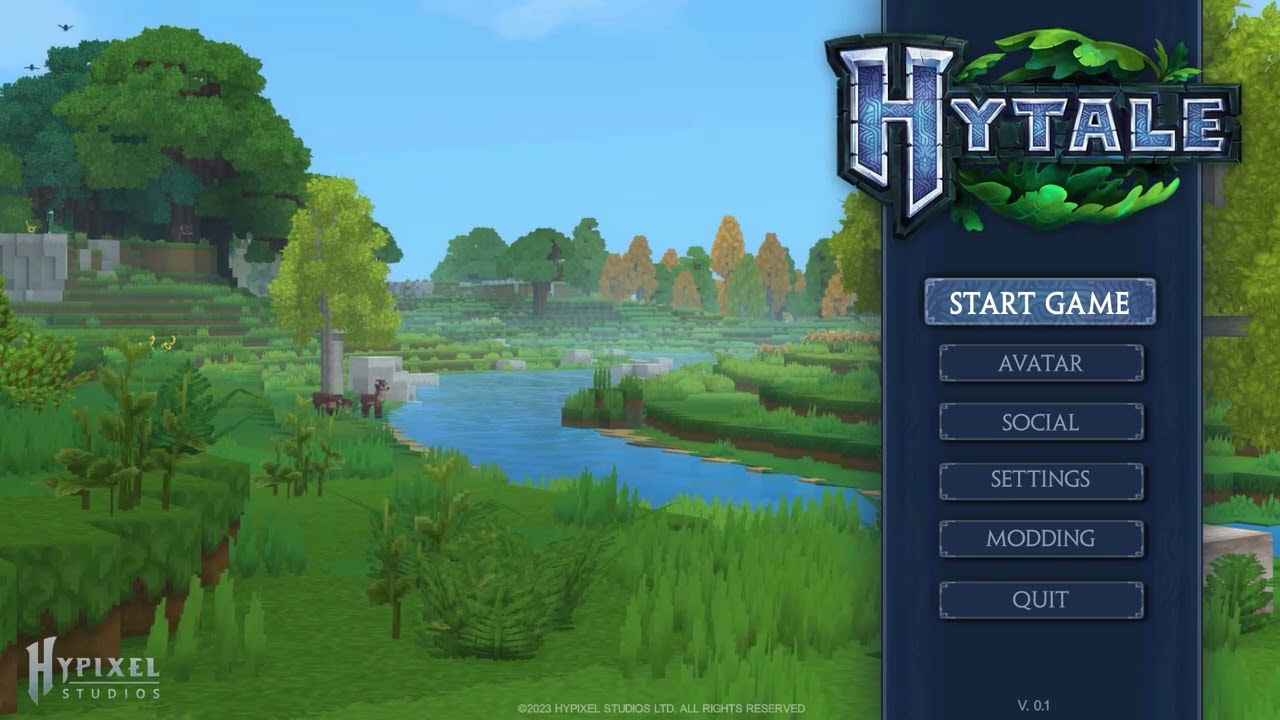
The main menu provides access to all the essential components of Hytale:
- User profiles and options
- Character creation and customization
- World and multiplayer management
- Configuring controls, audio, and graphics settings
- Access to the shop and additional content
- Access to creation tools (modding, item and model creator)
This central menu serves as the main hub , designed to be clear, fast, and aesthetically pleasing.