
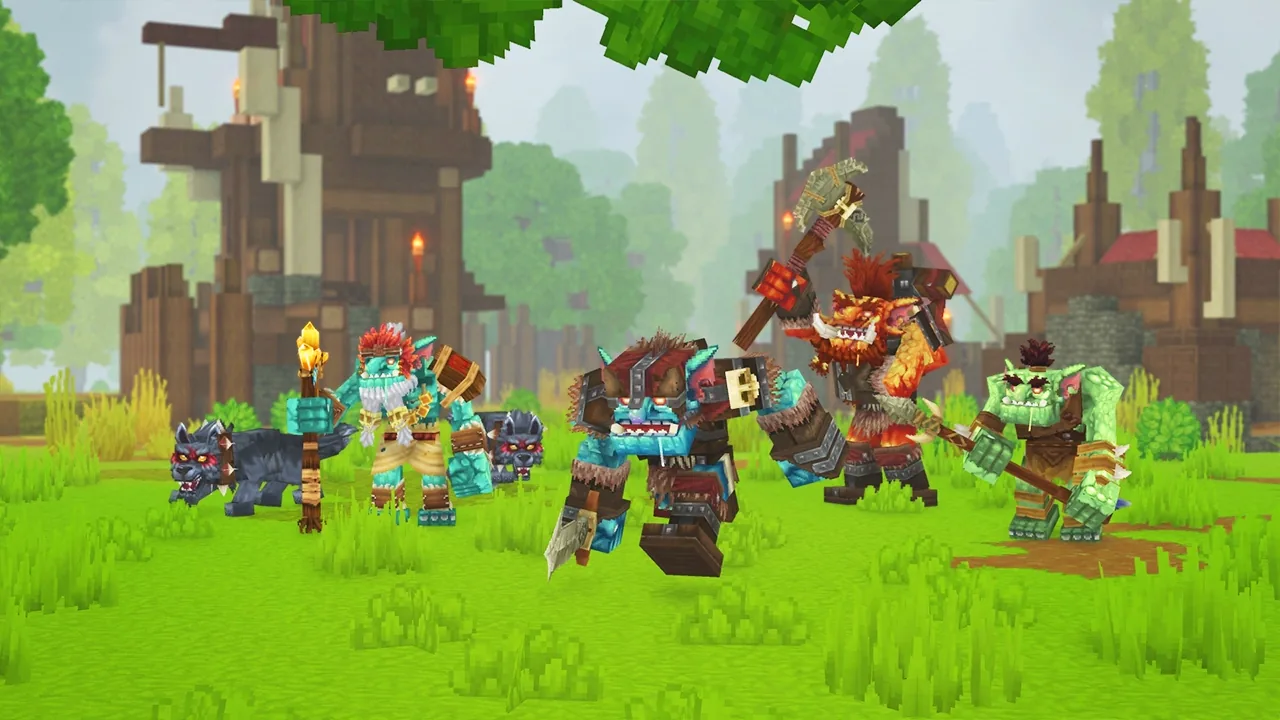
As the Hytale modding scene begins to take shape, one name is consistently topping the charts on Orbis: Hytale Ascended.
If you’re looking for an experience that pushes the game’s engine to its limits while maintaining buttery-smooth performance, this modpack is the gold standard. It’s the perfect showcase of what’s possible using the new community-driven tools. Here’s why it deserves a spot in your launcher.
What is Hytale Ascended?
Hytale Ascended isn’t just a random collection of mods thrown together. It’s a next-generation modpack hosted on Orbis, meticulously designed to enhance the core adventure without breaking the game’s original charm. It focuses on three main pillars: immersion, global interface overhaul, and technical optimization.
Why it stands out from the crowd
- Tailored Optimization: Unlike many packs that bloat your RAM and tank your FPS, Ascended focuses on stability. The creators have rigorously vetted every mod to ensure there are zero version conflicts.
- Native Orbis Integration: Built specifically for the Orbis.place ecosystem, Hytale Ascended installs directly onto your save file. This means your “Ascended” world stays isolated—no risk of messing up your other creative projects or vanilla saves.
- Smart Updates: Using the Orbis build strategy, the pack updates incrementally. You won’t have to redownload the entire archive every time a small bug is fixed.
Why Orbis.place is the Go-To Platform for this Pack
You might wonder why you shouldn’t just look for packs on the usual legacy sites. The answer is simple: cleanliness and automation.
- Zero Manual Tweaking: By clicking “Install with Orbis” on the Hytale Ascended page, the launcher handles the JAR files and—more importantly—automatically configures your
configs/folders. That’s usually where players run into trouble, but here, it’s one-click. - Linux & macOS Support: Since the Orbis launcher is cross-platform, you get the full Hytale Ascended experience regardless of your OS, without needing to mess with Wine or virtual machines.
How to Install Hytale Ascended in Under 2 Minutes
If you already have the Orbis Launcher installed, the process is incredibly fast:
- Search: Look for “Hytale Ascended” in the launcher’s search bar or visit the official page on Orbis.place.
- Assign: Select the save file you want to apply the pack to (we recommend creating a fresh save to see the full impact).
- Launch: Hit “Play.” The launcher verifies your files and boots the game with all the Ascended optimizations pre-loaded.
The Hytale.game Verdict
We love Hytale Ascended because it represents the future of modding: a high-end, professional experience that is accessible even to those who aren’t “tech-savvy.” It’s proof that the community doesn’t need Curseforge to create a powerful, user-friendly ecosystem.