
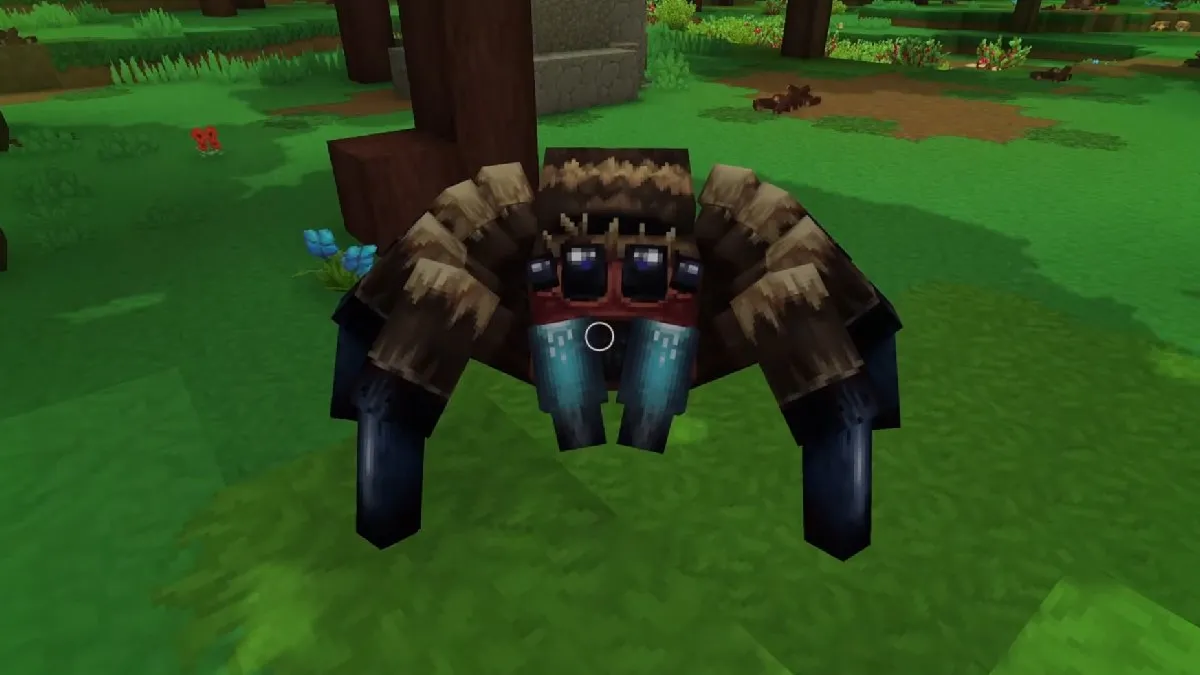
Hytale’s arachnophobia mode is an accessibility feature designed specifically for players who might be uncomfortable with the appearance of spiders.
By enabling this mode, the game modifies or disables the visual representation of spiders, making them less scary and allowing everyone to enjoy exploring Hytale’s world without anxiety.
Enabling arachnophobia mode
To enable this creature appearance modification option, follow these simple steps:
| Step | Action | Details |
| 1. Launch the game | Start Hytale. | Start Hytale from your usual launcher. |
| 2. Access settings | Go to settings. | Once in the game, go to the Settings menu. |
| 3. Navigate to accessibility | Find the category. | Look for the Gameplay section, then the Accessibility category. |
| 4. Enable the option | Toggle the switch. | You will find the Enable arachnophobia mode setting there. Toggle it to ON. |
Once enabled, spider models in Hytale will be replaced by simpler shapes or less realistic creatures to soften their appearance.
Disabling arachnophobia mode
If you wish to return to the original appearance of spiders, the process is just as simple:
| Step | Action | Details |
| 1. Launch the game | Start Hytale. | Start Hytale. |
| 2. Access settings | Go to settings. | Go to the Settings menu. |
| 3. Navigate to accessibility | Find the category. | Go to the Gameplay section, then the Accessibility category. |
| 4. Disable the option | Toggle the switch. | Toggle the Enable arachnophobia mode setting to OFF. |
Impact of arachnophobia mode
When arachnophobia mode is active, expect to see the game’s spiders in a transformed shape. The goal is to modify their creature model so they are perceived as less threatening.
For example, they might resemble harmless boxes or other stylized creatures, rather than their detailed original spider design. This alteration of creature appearance is a purely visual accessibility measure, not affecting the behavior or gameplay mechanics of the spiders.
Additional tips
- Immediate effect: Changes made to arachnophobia mode via game settings are generally applied instantly. However, a quick game restart can always help consolidate the change if you encounter issues.
- Gaming comfort: Do not hesitate to enable or disable this option based on your personal comfort. The Hytale experience must remain enjoyable for everyone.